Less manual work
Automate repeatable steps without hiding important exceptions.
Service
Workflow automation and platform integrations that reduce manual work.

Client problem
Automate repeatable steps without hiding important exceptions.
Move the right information between forms, CRM, email and operations tools.
Document fallbacks so failures are visible and recoverable.
Capabilities
Identify repeated tasks, decision points and failure cases.
Connect systems around the business process, not just available APIs.
Build triggers, actions, notifications and data mapping.
Plan logs, alerts and fallback paths for when automation cannot complete.
Process
The exact tasks change by service, but every route keeps decisions visible before production gets too far ahead.
Document the repeated task and where delays or errors happen.
Pick the least fragile integration path and data shape.
Create automation with sample data, edge cases and review logs.
Prepare alerts and ownership so issues do not disappear.
Engagement options
The right engagement depends on urgency, source material, access and whether the service is a focused fix or part of a larger system.
Best when one blocker needs a decision, prototype, audit or launch-ready fix.
Best when the service needs strategy, production, QA and launch handoff together.
Best when the work should keep improving through content, reporting or automation cycles.
Explore a studio concept
A sales workspace concept that makes ownership and handovers visible.
See the direction and image gallery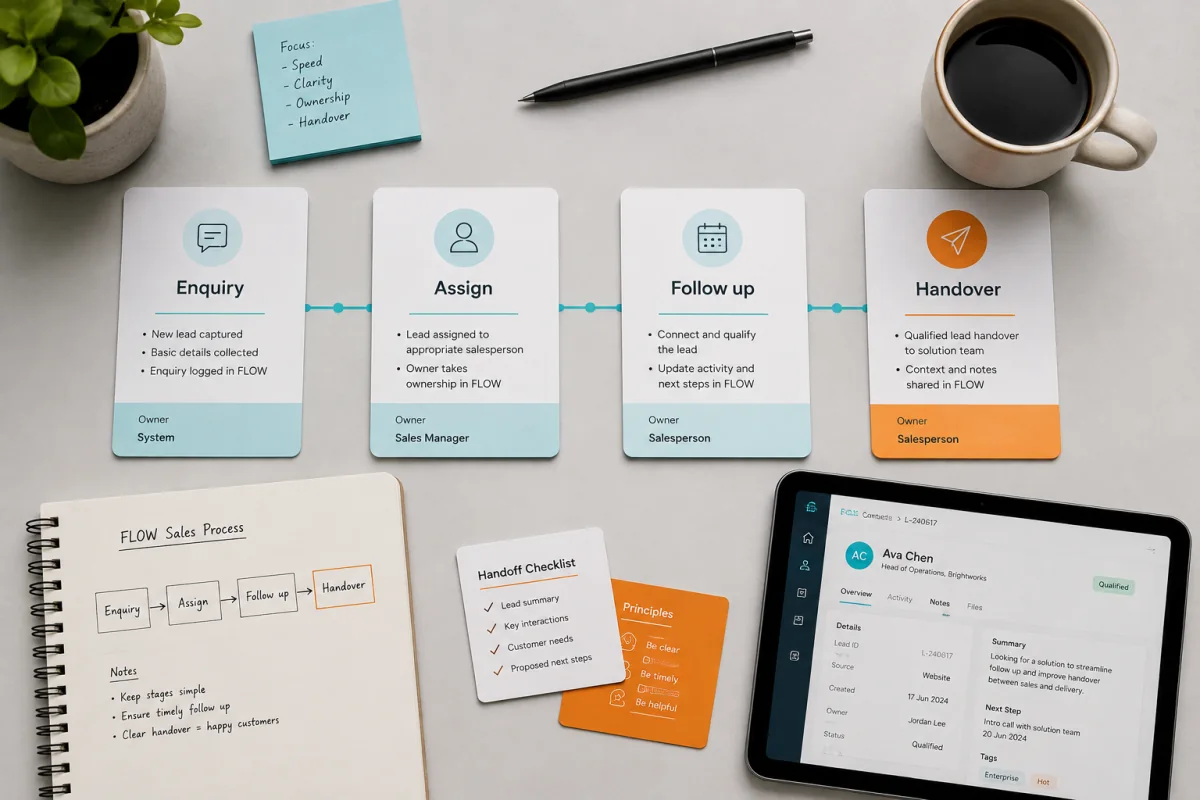
First conversation
A clearer first note helps the team respond with a practical next step instead of a generic discovery call.
What exists today, what is working and what keeps creating friction.
Who will approve direction, content, access, feedback and launch timing.
Brand files, website access, platform details, analytics, content and approved proof.
The practical result this service should create for the business or team.
FAQs
Yes. We usually begin with one high-friction workflow and expand once it is stable.
Yes. A useful automation plan includes what happens when an API, form or rule fails.
Plan the route
Share the service you need, the current blocker, the timeline and what success should look like. The first reply can then focus on the real next step.